Desktop app, open source
Spechy.
Voice dictation for Windows: hold a key, speak, and the cleaned-up text lands in whatever app is open.
Ctrl+Winhold and speak
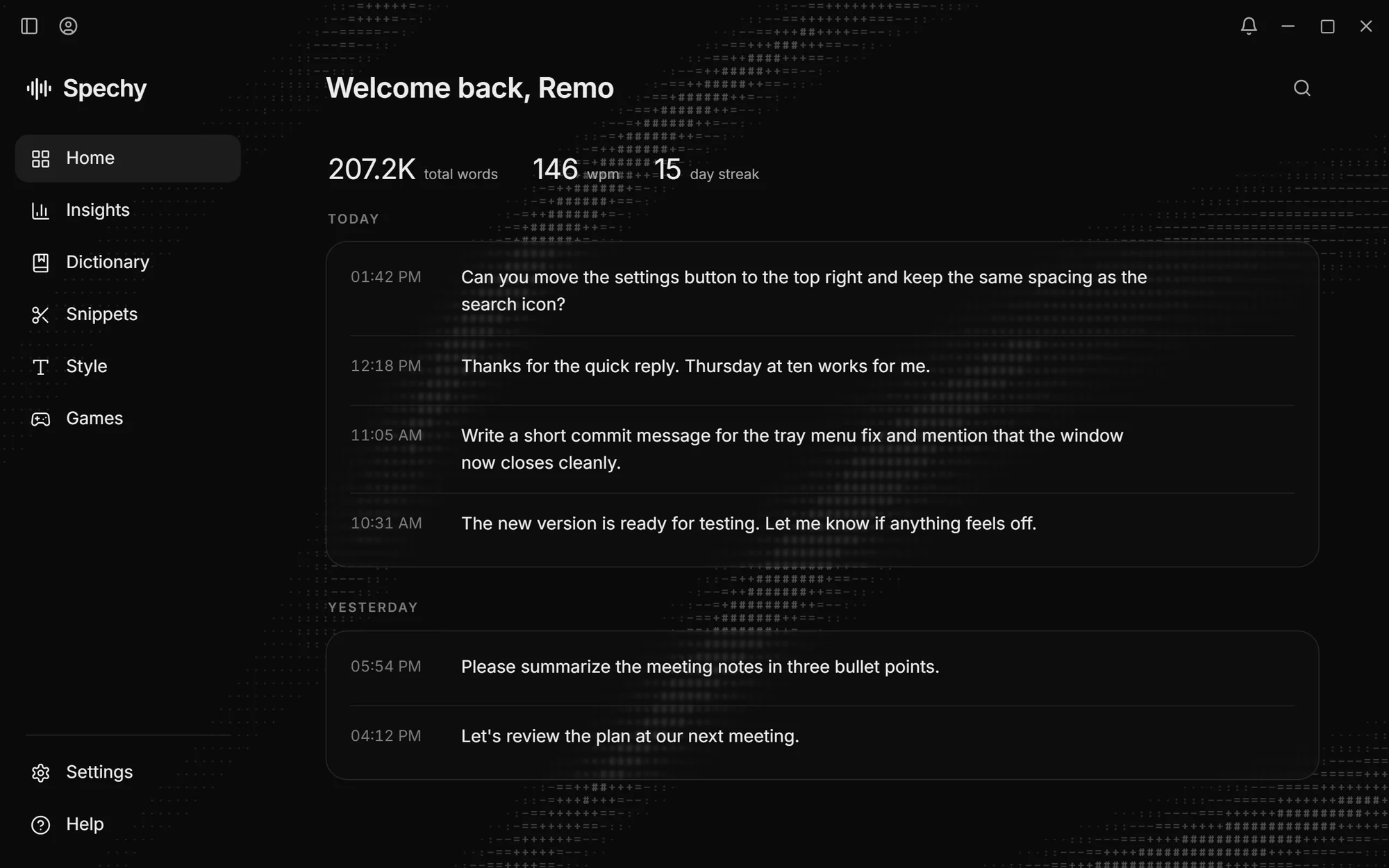
A closer look
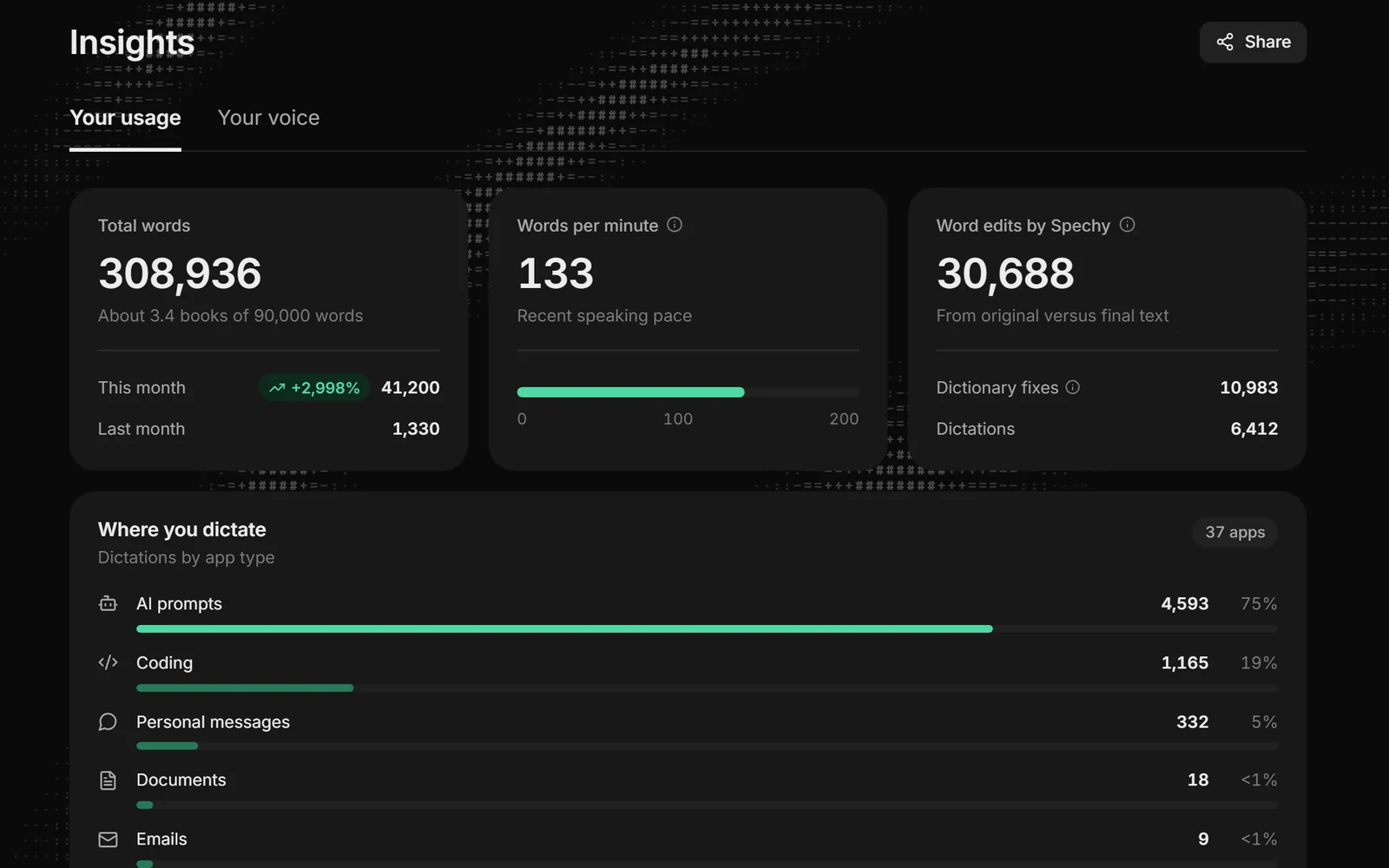
Insights
How much you dictate, how fast and in which apps.
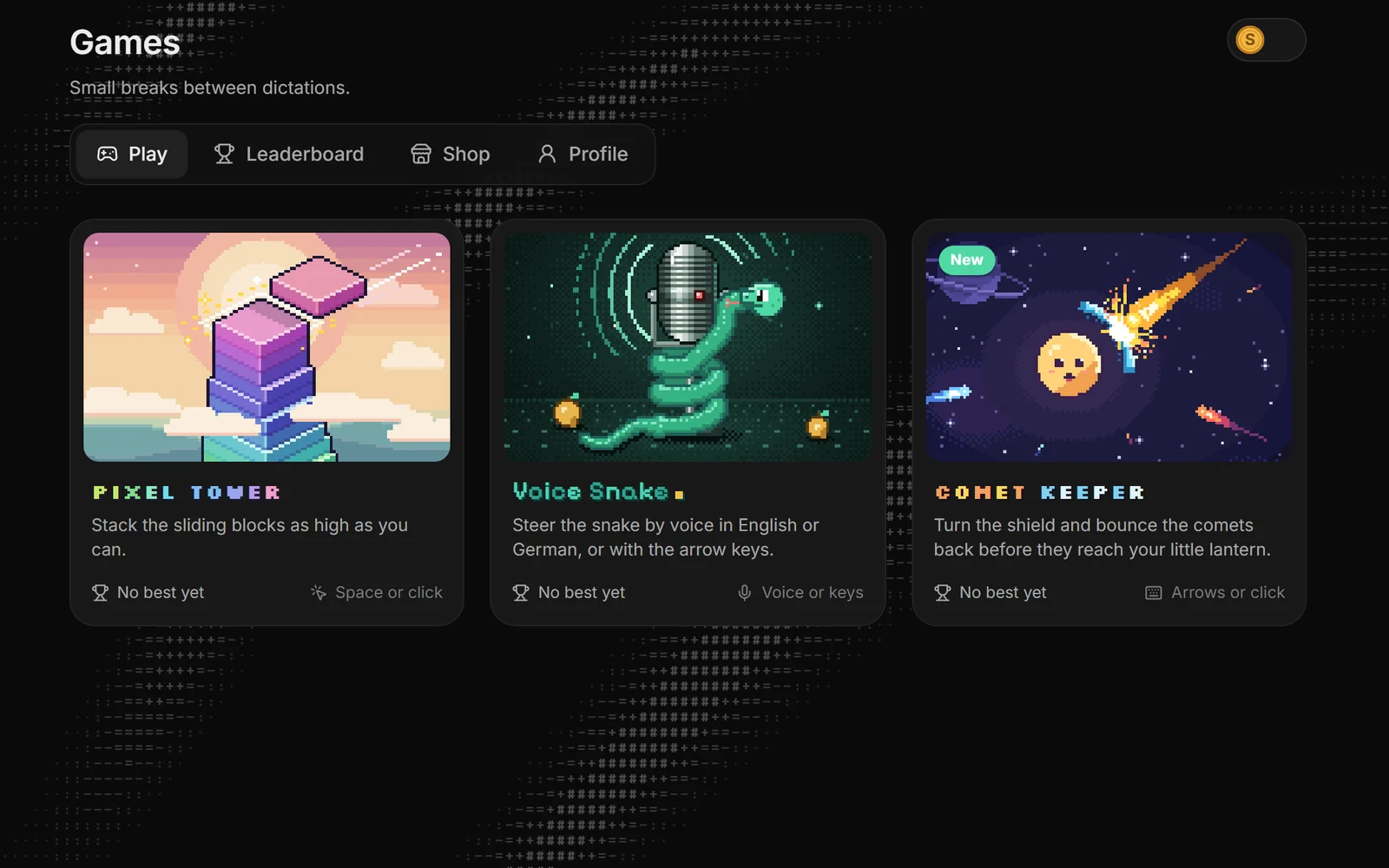
Games
Small games for a break, one of them played with your voice.
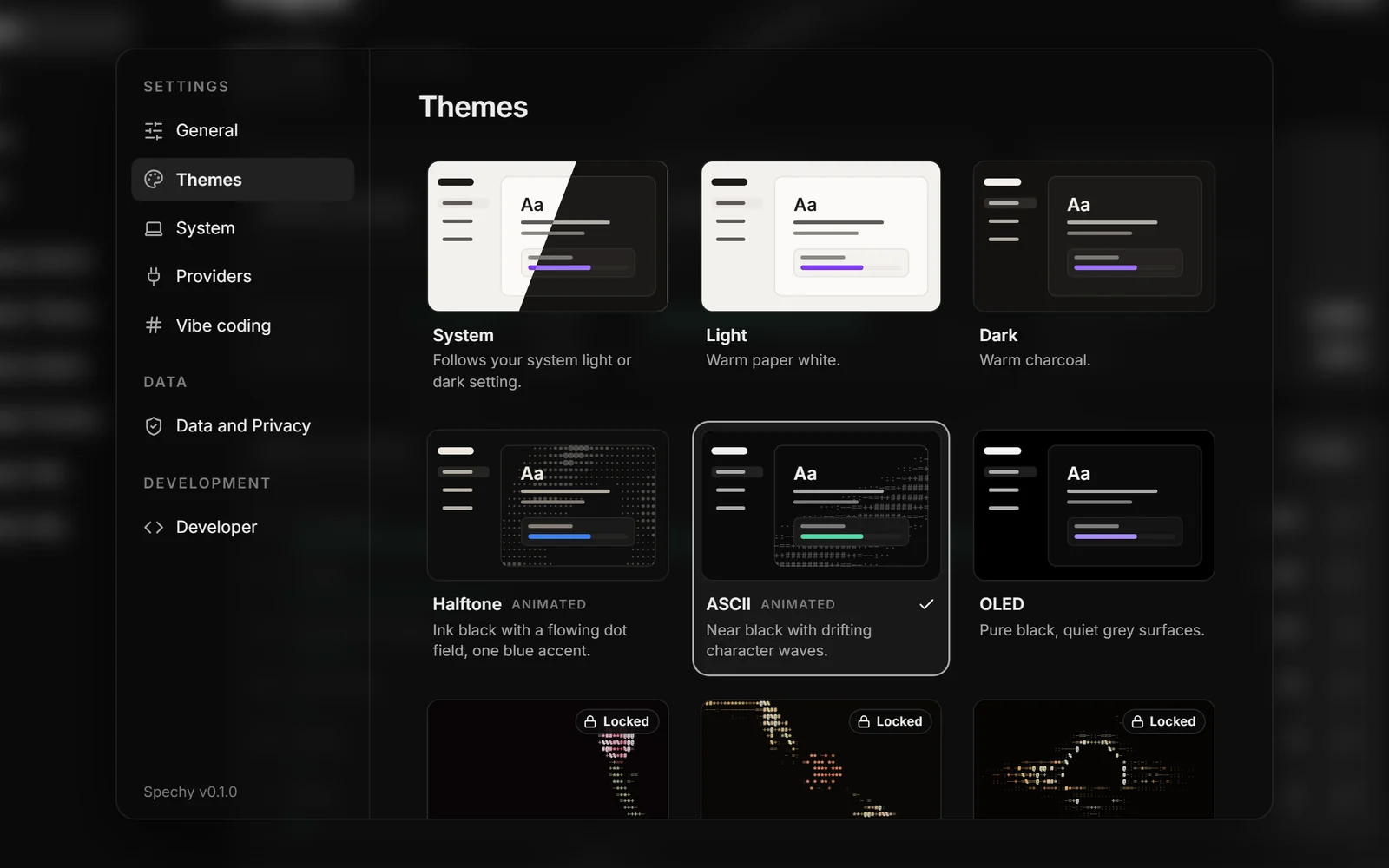
Themes
Light, dark or animated, such as ASCII and Halftone.
What it does
- Works in any app, push to talk or hands-free.
- Free choice of speech models: Groq, OpenRouter or your own local server such as whisper.cpp.
- Prompt forge turns spoken thoughts into a clean prompt for AI chats.
- Dictionary, text snippets and style rules per app.
How it is built
- Rust backend with its own keyboard hook. The shortcut logic is a separate state machine with unit tests for every critical key sequence.
- The small indicator while dictating is a native Windows window without a webview, so the app needs little memory in the background.
- No word gets lost: if transcription fails, the recording is kept and can be sent again.
- A release script builds the installer and publishes it with a checksum. The app downloads updates itself and verifies them before installing.
Stack
Tauri 2RustReactTypeScriptSQLite
- Installer and in-app updates
- 16 releases on GitHub, MIT license